When Does a Business Need Custom Software? 7 Warning Signs
7 signs your business has outgrown off-the-shelf tools, plus an ROI formula and realistic timelines for switching to custom software in 2026.

A business needs custom software when off-the-shelf tools start creating more cost, friction, or risk than they solve. That moment tends to show up through a handful of familiar signs — too much manual work, a spreadsheet that's become a core business system, data scattered across five tools — and once three or more of them apply, it's worth taking a closer look.
Sound familiar? One giant spreadsheet effectively runs the business, and everyone's terrified to touch it because "the whole thing will break." Or the opposite scenario: the company pays for five modern tools, yet employees still shuffle numbers manually from one window to another. This wasn't a problem once — in the early days, these fast, cheap fixes were exactly what saved you. But the systems that got you to where you are today have become your biggest ceiling.
A business needs custom software when off-the-shelf tools create more friction, cost, or risk than they solve. Custom software isn't built for prestige or impressive investor decks. It's not about status — it's about survival and efficiency.
What follows are seven signs that this moment has arrived, a framework for assessing urgency, realistic migration timelines, and a simple ROI formula.
Why Everyone Starts with Off-the-Shelf Tools — And That's the Right Call
Off-the-shelf software is a ready-made solution built for general business use, available immediately without development tailored to a specific company. It's necessary for a business to have custom software when standard tools make things harder, cost more, or pose more of a risk than they do good.
Starting with SaaS is the proper move for almost every company: it's a fast launch with no development costs, a product already proven by thousands of other companies, and zero technical debt on day one. The early-stage rule is simple: don't build what you can rent for $200 a month.
The cracks appear exactly where you'd expect. Off-the-shelf tools are designed for the "average" business, not specifically for yours. As you grow, you start hitting the limits of what that "average" business was built to handle. This isn't a flaw in SaaS — it's a natural turning point, and it has outgrown the assumptions the software was designed around.
7 Signs Your Business Has Outgrown Its Tools
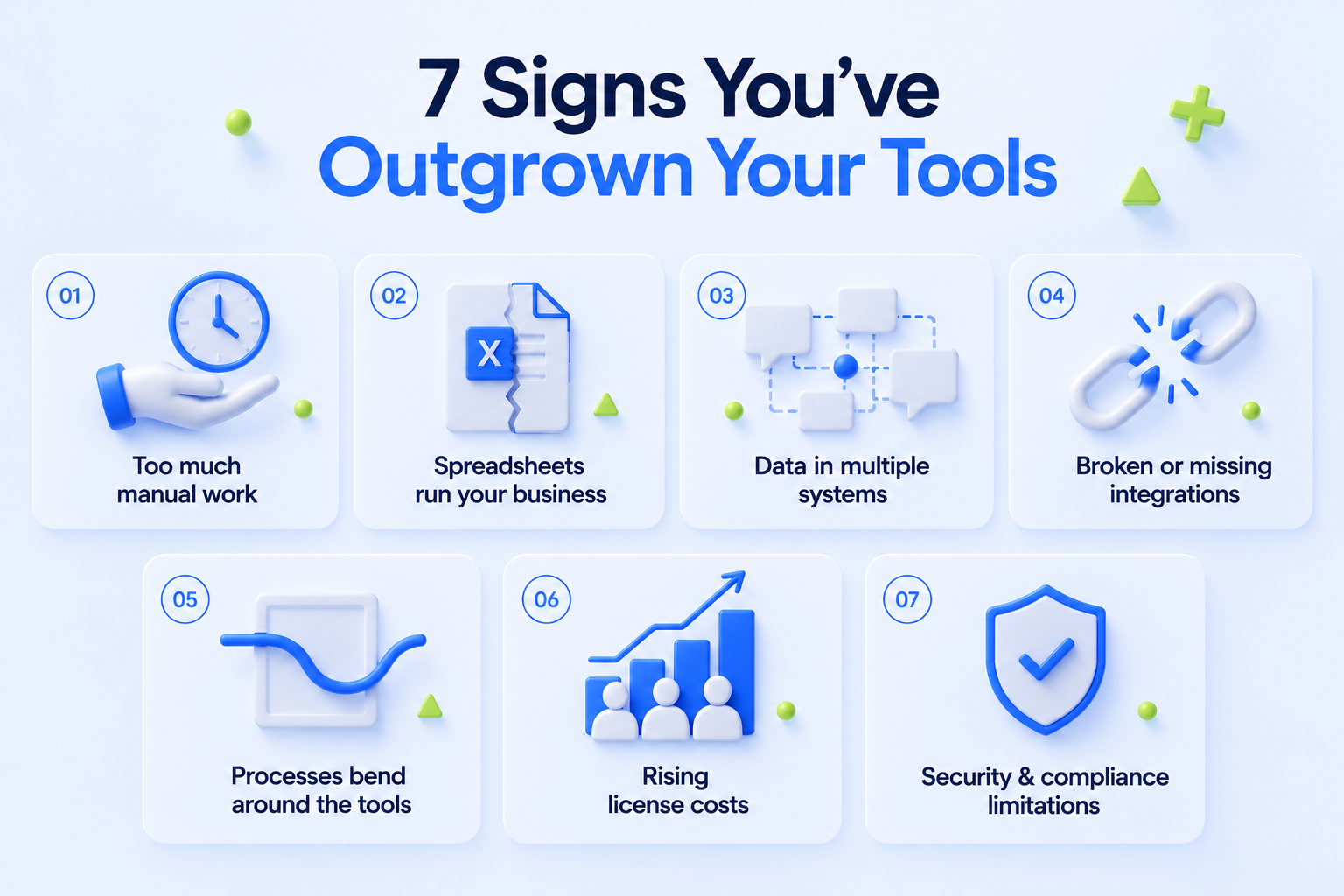
1. Your processes involve too much manual work
Recurring tasks that "just have to be done by hand" usually signal that the system doesn't allow for anything else. The clearest red flag: if you remove one person from the process, it grinds to a halt because they're the only one who "knows how it's done."
Example: a manager spends two to three hours every Monday manually moving data between the CRM and accounting.
2. Excel or Notion has become a critical business system
A spreadsheet is safe on its own. The trouble starts when it turns into a system of record — a CRM, inventory tracker, or financial ledger: one file, one person who understands how it works, and no version history. The same pattern shows up when a team uses Notion or Airtable as a database substitute.
Self-check question: what happens to the process if that person goes on vacation?
3. Your data lives in five different systems
CRM, accounting, inventory, chat, spreadsheets — and nowhere is there a single, up-to-date picture. The result: a weekly report takes a full day, and numbers from different systems contradict each other.
If answering a simple question requires checking three or more systems, that's an architecture problem, not a tooling one.
4. The integrations you need don't exist, or they keep breaking
An 8-step Zapier chain that "usually works" — except when it doesn't, and no one can say why. Sometimes the vendor simply doesn't have the API you need, or rate limits are directly capping your growth, while every platform update risks breaking an existing integration.
5. Your processes bend around the tool's limitations
The most expensive symptom: the team changes how it works to fit what the platform allows, instead of the platform supporting the business. For example, your best clients deserve a tailored onboarding experience, but the CRM only supports a linear pipeline — so the process either breaks down or gets ignored.
6. License costs grow with your headcount, not your value
A per-seat model means every new employee or client is a new line item, regardless of the actual value they bring. The tipping point: when the annual subscription exceeds the cost of six to twelve months of custom development.
A worked example: 100 users at $50/month is $60,000 a year — and over three years, $180,000 with no new functionality added.
7. Security and compliance requirements outgrow the platform
Customer data sits in the vendor's cloud, where you can't fully control access, data residency, or audit logs. Shared SaaS platforms often can't deliver the level of control that standards like GDPR, HIPAA, SOC 2, and ISO 27001 require. In 2026, data residency requirements are only getting stricter.
How urgent is this?
| 1–2 signs | that's normal, just keep it on your radar. |
| 3–4 signs | time to start a discovery phase, even without committing to development. |
| 5 or more | this is already costing real money every month, and delaying only makes it pricier. |
Where Custom Software Solves Real Business Problems
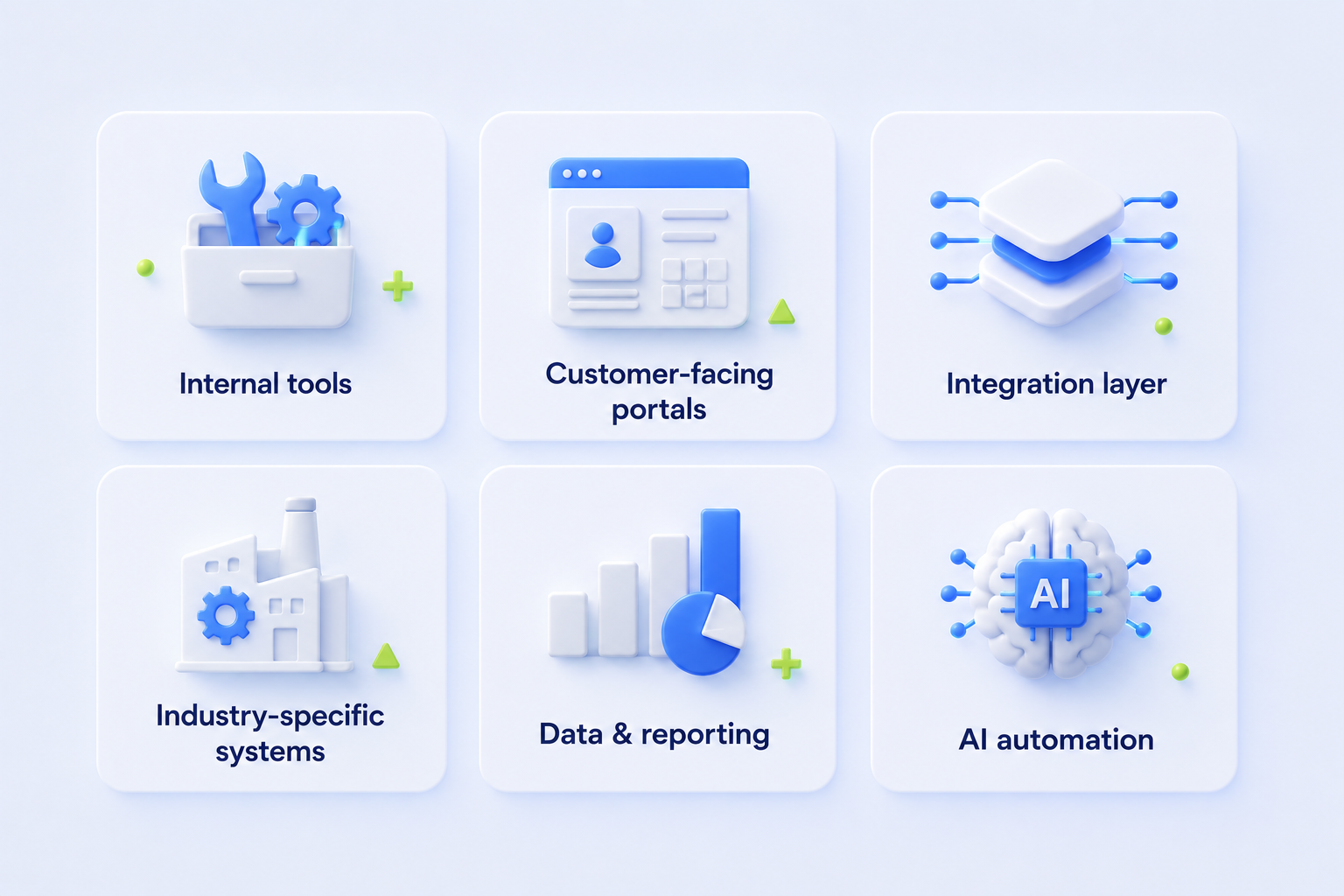
Internal tools
Automating company-specific processes: onboarding workflows, approval chains. For example, an agency builds an internal task tracker because no off-the-shelf project management tool reflects their hourly billing model.
Customer-facing portals
A personal dashboard or self-service onboarding that reflects your actual product, not a template. For example, a B2B SaaS company builds its own portal for enterprise clients with access tiers that no off-the-shelf billing system supports.
Integration layer
A single place where data from disparate systems comes together, instead of spaghetti chains of Zapier connections. For example, a retailer unified inventory, POS, and e-commerce into one data layer after third-party connections started breaking regularly.
Industry-specific systems
Logistics, healthcare, fintech, and real estate — fields where off-the-shelf solutions either don't exist or are too costly for narrow regulatory requirements. For example, a logistics company builds its own delivery tracking system because no off-the-shelf TMS supports their routing model.
Data and reporting
Dashboards built around specific business metrics, rather than whatever a general BI tool happens to support. For example, a manufacturing company tracks defect rates on a specific line — a metric that appears in no standard report.
AI automation
A workflow relevant to 2026, built on LLM-based logic that can't be bought ready-made. For example, a company automates the initial handling of customer requests with an agent that reads and classifies emails before they ever reach a human.
When It's Still Too Early for Custom Software
Not every problem is worth solving with custom development. There are situations where making the switch is a mistake:
- The business model isn't validated yet (custom software without product-market fit is money and time burned that would be better spent testing hypotheses).
- There's no internal team or partner for long-term support (without that resource, the solution becomes a burden within a year, not an asset).
- The issue can be solved through configuration — check whether the platform already has the options you need on a higher-tier plan or in admin settings, simply unused.
The 2026 rule: check the alternatives first.
- Low-code/no-code tools (Retool, Bubble, Make) handle basic processes well and cover 60–70% of typical tasks without full-scale development — their capacity is usually more than enough for 12–24 months.
- At the same time, AI is taking over more and more classic automation, chewing through sorting, routing, and text-processing tasks with ease.
- Custom development is a long game. It makes sense when you have a proven, stable process, technical resources, and plans for the next two years. If even one of those pieces is missing, it's better not to rush into building.
How Long the Transition Takes — and Whether You Need to Do It All at Once
Custom development doesn't mean "all or nothing." The process can be broken into stages depending on timelines and goals:
| 2–4 weeks | Discovery phase |
| 2–3 months | An MVP targeting a specific pain point |
| 4–6 months | Replacing a single module |
| 9–12 months | A full-stack replacement |
The safest strategy is to start with the single most painful process, not the entire system. This lowers risk, delivers a quick win, and lets you fund the next stages out of the savings from the previous ones — making it easier for the team to adapt.
How to Calculate the Economic Impact: A Simple Formula
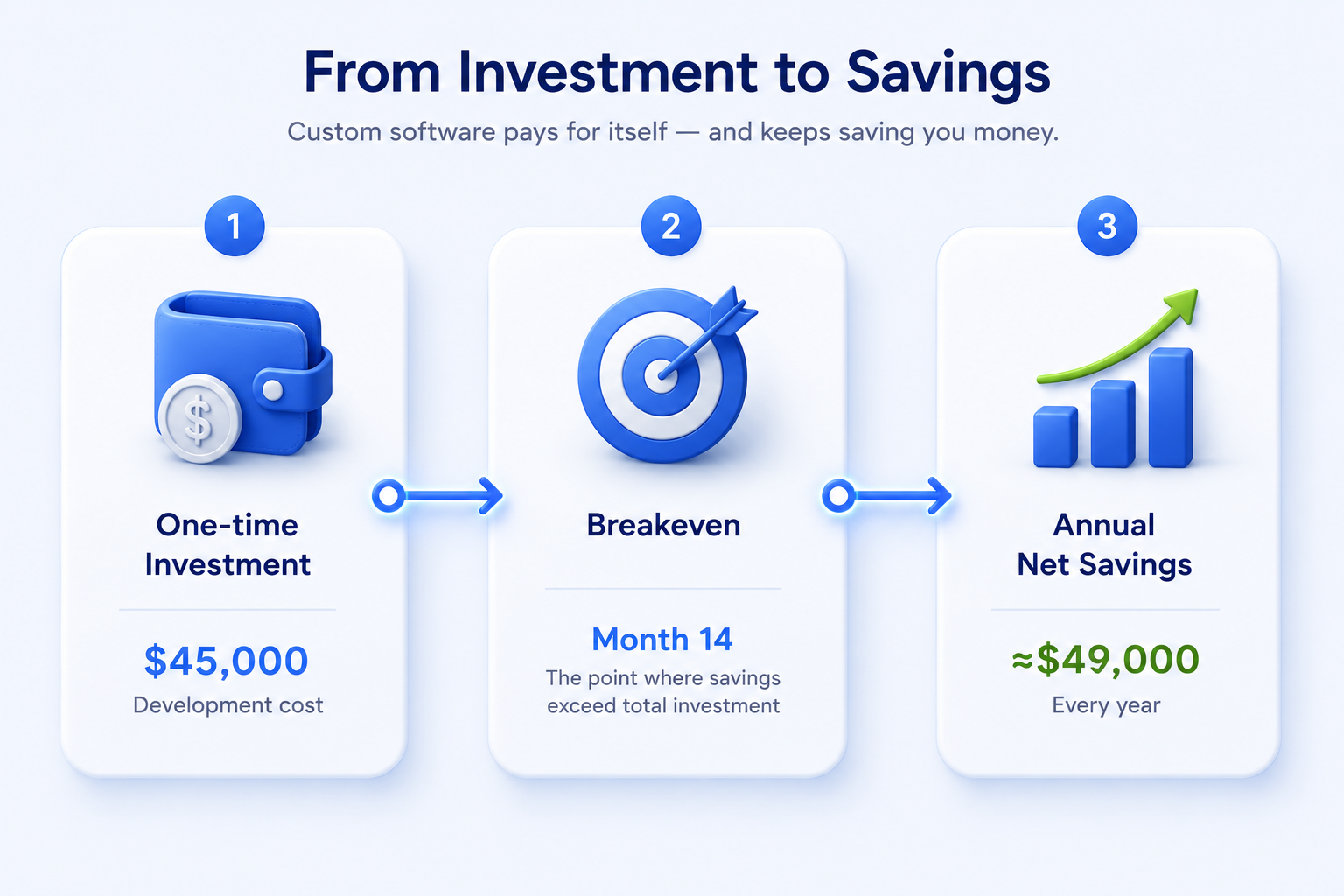
The decision doesn't have to rely on gut feeling. It comes down to three components:
- Current costs (manual labor + subscriptions + the cost of errors and delays).
- Cost of the solution (development + maintenance at ~15–20% per year + team time spent managing it).
- Breakeven point — the month when accumulated savings exceed total investment.
For illustration, let's take a 50-person company:
1. Current costs (status quo) — $57,000/year
- Manual labor: $27,000/year. Calculation: 3 managers × 6 hrs/week × $30/hr × 50 weeks.
- Existing subscriptions: $30,000/year ($2,500/month).
2. Investment in a custom solution
- Development (one-time): $45,000
- Maintenance (annual): $8,000/year
3. Payback and financial outcome
| Period | Financial impact |
|---|---|
| 14 months | Breakeven point (ROI) — the solution fully pays for itself (includes 3 months of development and 11 months of net payback) |
| Annually (after 14 months) | ~$49,000 in net savings per year |
| Over 5 years | ~$190,000 in total savings compared to the status quo (accounting for development and maintenance expenses) |
Your numbers may differ, but the formula works for anyone: just plug in your hours, rates, and headcount.
There are also benefits beyond the spreadsheet:
- Faster decisions when all your data lives in one place.
- Lower risk of costly mistakes.
- Scalability without a proportional rise in license costs.
- An edge from a process competitors can't simply copy by buying the same software you use.
Where This All Leads
Custom software isn't a luxury or a sign of company size. It's the right answer when your tools cost more than they solve — and if you've read this far without recognizing yourself in a single sign, that's just as valuable an answer: it means it's not time yet, and you should keep working with what you already have.
If three or more signs from the section above describe your situation, don't jump straight into full-scale development. Start with a 2–4 week discovery phase: it will give you a clear picture of cost and scope before you invest further and show whether to start with one narrow process or whether the problem is truly systemic.
Run your own numbers through the formula above — your hours, your rate, your subscriptions, and the cost of errors. If the total surprises you, you already have your answer.
